
Wearable Frequency Tech: Setup and Troubleshooting Common Issues

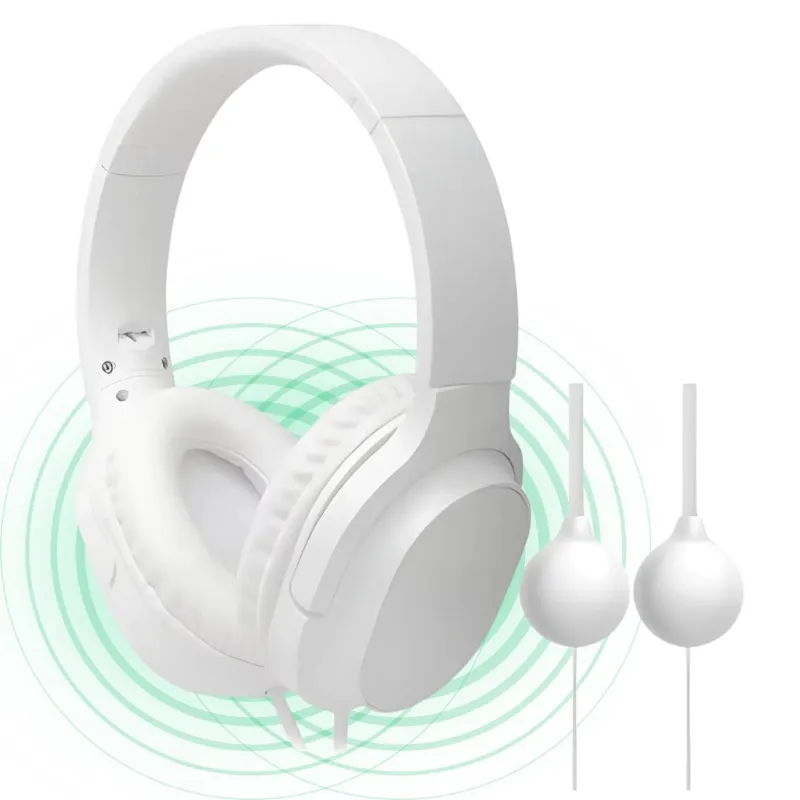
Getting Started with Wearable Frequency Tech
Wearable frequency tech delivers targeted electromagnetic frequencies to support wellness, but proper setup and knowing how to troubleshoot common issues ensures you get consistent results. Whether you've just unboxed a healflux frequency device v3 or you're troubleshooting your frequency healing device, this guide walks you through the essential setup steps and fixes for the most common problems users encounter. We've tested these devices extensively and collected the solutions that actually work.
Unboxing and Initial Setup
Your first session starts with correct assembly and charging. Most wearable frequency therapy devices arrive partially charged, but we recommend a full charge before your first use.
Step-by-step setup:
- Remove all packaging and verify contents against the included checklist
- Charge the device fully using the provided USB-C or micro-USB cable (typically 2-4 hours)
- Download the companion app if your model includes smartphone integration
- Power on and select your starting frequency program (most devices default to a beginner-friendly setting)
- Position the device according to the target area: wrist, ankle, or chest placement depending on your model
For devices like the healflux frequency generator, you'll also need to attach electrode pads or coil accessories. Clean the skin area with an alcohol wipe before attaching electrodes to ensure proper conductivity. If you're setting up a tesla plasma machine, allow 30 seconds of warm-up time before the plasma tube reaches full intensity.
Common Setup Issues and Quick Fixes
We see the same handful of problems crop up during initial configuration. Here's how to resolve them fast.
Device won't power on:
- Confirm the battery is charged (connect to power and look for an LED indicator)
- Try a different charging cable or USB port
- Hold the power button for 10-15 seconds to force a reset
- Check that protective shipping tabs have been removed from battery contacts
No sensation or output:
- Verify electrodes or coils are firmly connected to output jacks
- Increase intensity gradually using the dial or app controls (some users don't feel anything below 30% intensity)
- Replace electrode pads if they've lost adhesive or dried out
- Ensure skin contact is direct (remove lotions, oils, or thick clothing)
App won't connect:
- Enable Bluetooth on your phone and grant location permissions (required for Bluetooth scanning on most phones)
- Restart both the device and your phone
- Update the app to the latest version through your app store
- Move closer to the device (Bluetooth range is typically 30 feet maximum)
Before you grab the discount code for a replacement accessory, try these fixes. Most "defective" units are actually configuration issues.
Optimizing Your Wearable Frequency Tech Sessions
Once your sound therapy device or electro flux is running, small adjustments improve comfort and effectiveness.
Placement and positioning:
- Wrist placement works well for general wellness programs (wear it like a watch, on either wrist)
- Chest placement targets the vagus nerve and heart rate variability
- Ankle or lower body placement suits grounding or circulation-focused sessions
- Keep the device at least 6 inches away from pacemakers or other implanted electronics
Intensity and duration:
- Start at 20-30% intensity for your first three sessions
- Gradually increase over two weeks as your body adapts
- Most programs run 20-60 minutes; longer isn't always better
- Run sessions at consistent times daily for best results
Session frequency:
- Beginners: once daily, same time each day
- Intermediate users: twice daily (morning and evening)
- Avoid running multiple programs back-to-back without a 2-hour break
Compare your options if you're choosing between models:
| Feature | Healflux Frequency Device V3 | Tesla Coil Healing | Sound Therapy Device |
|---|---|---|---|
| Portability | Wrist-worn, pocket-sized | Stationary, requires table | Compact, wearable |
| Power Source | Rechargeable lithium | AC adapter required | USB rechargeable |
| Program Library | 100+ preloaded | 12 manual settings | 40+ soundscapes |
| Best For | All-day wear, travel | Intensive home sessions | Sleep, meditation |
When comparing frequency therapy devices, consider how often you'll use it away from home.
Troubleshooting Performance and Output Problems
Even after successful setup, you may notice inconsistent output or unexpected behavior. Here's how we diagnose and fix performance issues.
Weak or intermittent output:
- Clean electrode contact points with isopropyl alcohol
- Replace disposable pads every 15-20 sessions (they lose conductivity over time)
- Check for firmware updates in the app settings
- Verify the battery is above 30% charge (output weakens as battery drains)
- Inspect cables for fraying or loose connections
Device overheating:
- Ensure ventilation slots aren't blocked by clothing or fabric
- Reduce intensity or switch to a lower-frequency program
- Allow a 15-minute cooldown between back-to-back sessions
- Avoid using the device while charging (generates excess heat)
Program stops mid-session:
- Disable battery-saving or power management features on your phone (they can interrupt Bluetooth)
- Move away from sources of electromagnetic interference (Wi-Fi routers, microwaves, other frequency devices)
- Clear the app cache and restart
- Confirm your health flux device firmware is current
Skin irritation:
- Rotate electrode placement by 1-2 inches each session
- Use hypoallergenic gel or pads if you have sensitive skin
- Reduce session duration to 20 minutes until irritation clears
- Clean skin before and after sessions
Maintenance and Long-Term Care
Proper maintenance extends device life and prevents most technical issues.
Weekly tasks:
- Wipe the device casing with a damp microfiber cloth
- Check electrode cables for wear
- Clean contact points with a cotton swab and rubbing alcohol
Monthly tasks:
- Fully discharge and recharge the battery to recalibrate (run a session until auto-shutoff, then charge to 100%)
- Inspect carrying case or storage box for moisture
- Test all programs to confirm proper function
Storage best practices:
- Store in a cool, dry place away from direct sunlight
- Keep battery charge between 40-60% for long-term storage (not full or empty)
- Remove electrode pads and store them on their backing sheet
- Disconnect accessories when not in use
Before purchasing replacement parts or accessories, check the latest pricing and apply our code to save on official Healflux components. Third-party pads and cables may not meet the device's specifications.
When to Contact Support
Some problems require manufacturer assistance. Contact Healflux support if you experience:
- Burning smell or smoke from the device (stop use immediately)
- Physical damage to the casing, battery, or internal components
- Persistent error codes after trying basic troubleshooting
- Battery that won't hold a charge after recalibration
- Output that remains weak even with new electrodes and full battery
Most manufacturers offer a 30-day return window and a one-year warranty. Document issues with photos and note when they started. Keep your purchase receipt and any correspondence with customer service.
For users considering their first device, the wearable frequency tech category offers the best balance of portability and program variety. If you're upgrading from an older model, the tesla coil healing units deliver higher intensity for experienced users who need stronger output.
We test every device in real-world conditions and update this guide as new troubleshooting patterns emerge. Bookmark this page and check back when you run into an issue. Most problems have a simple fix once you know where to look.
Frequently asked questions
How long does it take to fully charge a wearable frequency tech device?
Most wearable frequency devices charge fully in 2 to 4 hours using the included USB cable. You'll see an LED indicator turn green or the app will show 100% when charging is complete.
Why can't I feel anything when I turn on my frequency healing device?
Start by increasing the intensity gradually past 30%, as many users don't perceive output at lower settings. Also check that electrodes are firmly attached to clean skin and that all cable connections are secure.
How often should I replace electrode pads?
Replace disposable electrode pads every 15 to 20 sessions, or sooner if they lose adhesive or show visible wear. Loss of conductivity causes weak or inconsistent output.
Can I use my Healflux device while it's charging?
We don't recommend it. Using the device while charging generates excess heat and can shorten battery lifespan. Let it charge fully, then unplug for your session.
What should I do if my device overheats during a session?
Stop the session immediately and allow a 15-minute cooldown. Make sure ventilation slots aren't blocked, reduce intensity on your next session, and avoid back-to-back programs without breaks.
Why does my frequency device keep disconnecting from the app?
Disable battery-saving or power management features on your phone that can interrupt Bluetooth. Also move away from Wi-Fi routers and other sources of electromagnetic interference, and keep your phone within 30 feet of the device.