
How to Charge Your Ray-Ban Meta Glasses the Right Way

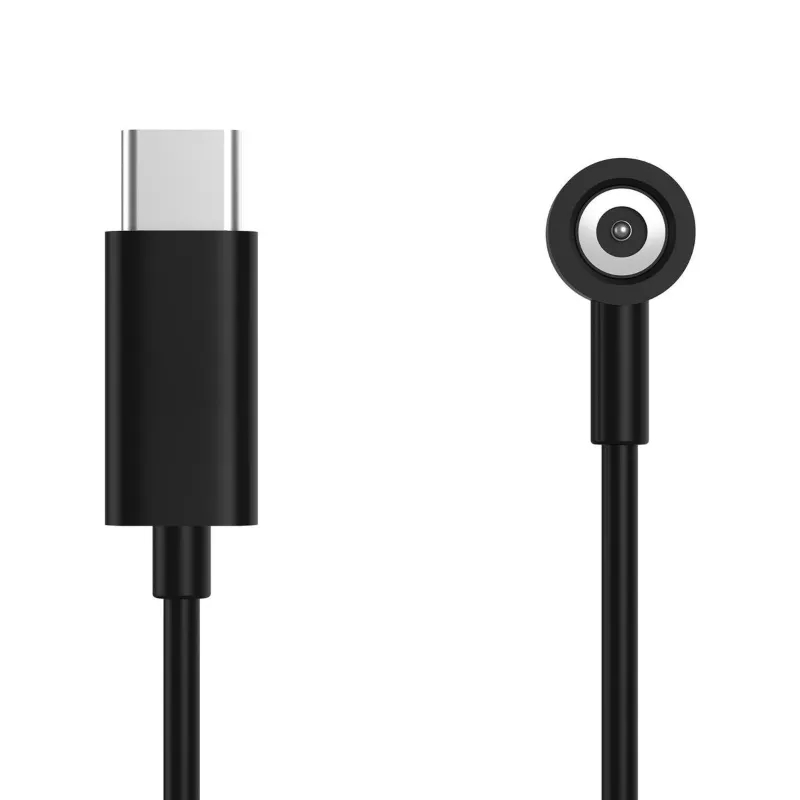
The ray ban meta charging case is the only official way to charge your Ray-Ban Meta smart glasses, and how you use it matters more than most people realize. Get the routine right and you protect the battery, the fit, and the finish for years. This guide walks through exactly what to do, what the indicator lights mean, and what to consider when you need a replacement.
How the Ray-Ban Meta Charging Case Actually Works
The case charges your glasses passively whenever they sit inside with the lid closed. There are no buttons to press. Magnetic alignment pins on the temples connect to contacts inside the case, so the glasses only charge when seated properly.
The case itself charges via USB-C. Plug a USB-C cable into the port on the bottom, connect to any USB-A or USB-C wall adapter (5V/1A or better), and the case will top itself up first before passing charge to the glasses.
Key things to know:
- Always close the lid fully during charging. An open lid stops the charge cycle.
- The glasses do not need to be powered off to charge.
- Avoid leaving the case plugged in indefinitely at 100%; top it up and unplug when done.
Understanding the Ray-Ban Meta Charging Case Lights
The LED indicator on the front of the case tells you everything about charge state. Getting familiar with the ray-ban meta charging case lights removes the guesswork.
| Light Behavior | What It Means |
|---|---|
| Solid white | Case is fully charged |
| Pulsing white | Case is actively charging |
| Solid orange | Case battery is low |
| Pulsing orange | Glasses are charging inside the case |
| No light | Case is off or fully depleted |
If you plug in and see no light at all, let the case charge for 10-15 minutes before troubleshooting further. A completely drained battery may not respond immediately.
Charging Best Practices to Protect Your Battery
Smart glasses carry a small lithium-ion cell that responds well to consistent habits. A few rules worth following:
- Charge before it hits empty. Running the glasses fully flat repeatedly degrades the cell faster than partial top-ups.
- Use a quality cable and adapter. A cheap no-brand USB-C cable can deliver inconsistent voltage. Stick with MFi-certified or USB-IF-certified cables.
- Keep the contacts clean. Use a dry microfiber cloth to wipe the magnetic pins on both the temples and the case contacts every few weeks. Lint and skin oils reduce transfer efficiency.
- Store at room temperature. Heat is the main enemy of lithium-ion. Never leave the case on a car dashboard or in direct sunlight.
- Consider the fit accessories too. If you are swapping ray ban nose pads due to wear, check the temple contacts at the same time since the two maintenance tasks often coincide.
You can check the latest price and grab a discount code if you are shopping for accessories alongside your charging setup.
When You Need a Ray-Ban Meta Replacement Case
Cases get lost, damaged, or simply wear out. The official option from Meta is the Ray-Ban META CHARGING CASE in Brown, which gives you confidence in contact alignment and cable compatibility. The ray-ban meta replacement case is worth buying official when the glasses are still under warranty, since third-party cases can void coverage if they cause a charging fault.
Things to verify before buying any replacement:
- Generation compatibility. The ray-ban meta charging case gen 2 is not interchangeable with the first-gen Ray-Ban Stories case. Check which frame generation you own before ordering.
- USB-C port condition. If your current case stopped charging, test it with a different cable first. A worn port is a common culprit and does not necessarily mean the whole case is dead.
- Bundle deals. Some retailers bundle a meta glasses charger and case together, which can be better value than buying each separately.
For a protective outer shell that works alongside your charging setup, the meta glasses case and rayban meta case are worth comparing depending on how much drop protection you want day-to-day.
How the Charging Case Compares to Other Device Cases in Your Kit
If you carry multiple devices, it helps to see how the Ray-Ban Meta case stacks up against other charging solutions in terms of what it does and does not do.
| Device | Case Type | Charges via |
|---|---|---|
| Ray-Ban Meta glasses | Magnetic contact case | USB-C to case |
| Meta Quest 2 headset | No built-in case charging | Direct USB-C or meta quest 2 battery pack |
| Wireless earbuds | Charging cradle case | USB-C or wireless |
The meta quest 2 battery pack is a useful parallel: like the glasses case, it extends your session time without needing a wall outlet nearby. If you are building out a full Meta ecosystem, understanding each device's charging method saves frustration on the road.
Who Gets the Most Out of This Setup
The Ray-Ban Meta charging routine suits anyone who wears the glasses daily and wants a low-maintenance system. It fits naturally into a nightstand or desk routine: place the glasses in the case, plug the case in, done.
It is especially worth optimizing if you:
- Travel frequently. A topped-up case gives you a full charge buffer when outlets are scarce.
- Wear the glasses for long stretches. Understanding the light indicators means you never get caught with dead glasses mid-day.
- Own multiple Meta devices. Pairing the glasses case habit with a meta quest 2 battery pack creates a consistent charging routine across your kit.
If you are also looking at audio gear for your setup, gaming earbuds and pc gaming earbuds are worth a look alongside smart glasses for a more complete wearable audio experience.
Getting the Best Price on a Replacement or Spare
Ray-ban meta charging case price varies by retailer and generation. Rather than quoting a number that could be out of date, the smartest move is to check the current offer and see if our code applies before you buy. PrismXR currently offers 10% off sitewide, which can make a meaningful difference on accessories.
Frequently asked questions
Can I charge my Ray-Ban Meta glasses without the charging case?
No. The glasses do not have an external USB port, so the ray ban meta charging case is the only way to charge them. Without it, you cannot power up the glasses at all.
What do the lights on the Ray-Ban Meta charging case mean?
A solid white light means the case is fully charged, while a pulsing white means it is actively charging. Orange lights indicate either a low case battery (solid) or that the glasses inside are currently charging (pulsing).
Is the Ray-Ban Meta charging case compatible with the older Ray-Ban Stories?
No. The Ray-Ban Meta charging case gen 2 design is not cross-compatible with the original Ray-Ban Stories case. Always confirm which frame generation you own before ordering a replacement.
How do I know if my charging case is faulty or just needs a new cable?
Try a different USB-C cable and a different power adapter first. If the indicator light still does not respond after 15 minutes, the case port or internal battery may have failed and a replacement case is likely needed.
Where can I buy a ray-ban meta replacement case at a discount?
You can check current pricing and apply a sitewide discount code at the PrismXR coupon page before purchasing. Buying official ensures contact alignment and avoids potential warranty issues.
Do I need to turn off my Ray-Ban Meta glasses before placing them in the case?
No. The glasses can be on or off when you place them in the case. Closing the lid initiates charging automatically as long as the temples are correctly seated on the magnetic contacts.