
Do Trail Cameras Need an SD Card? What GardePro Owners Should Know

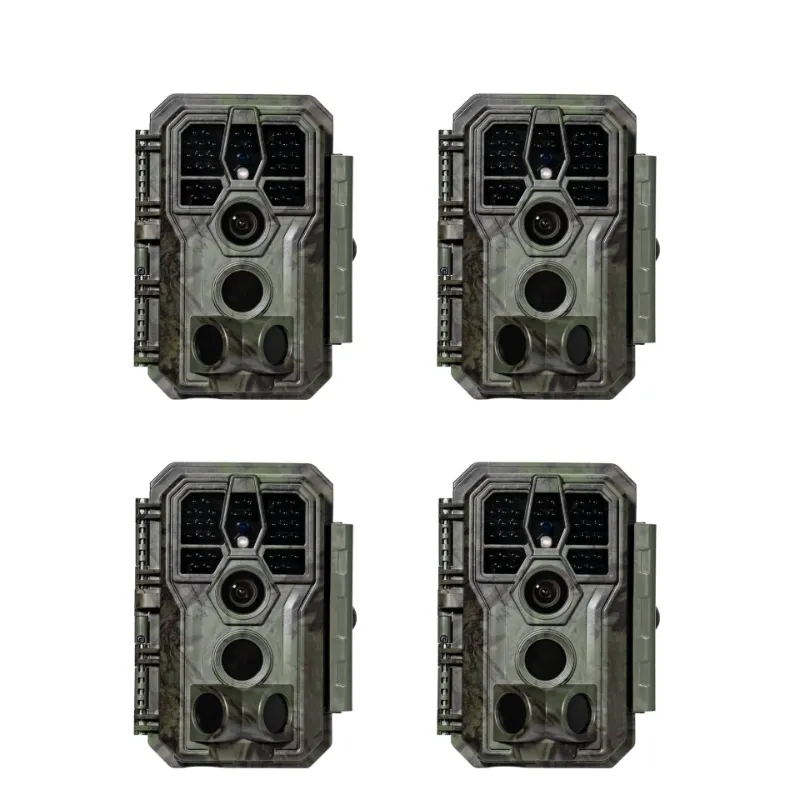
Yes, every GardePro trail camera requires an SD card to save photos and videos. Without one, the camera will power on but record nothing. Whether you are setting up a gardepro trail camera for deer monitoring or running a solar trail camera on a remote property, the SD card is the one component you cannot skip.
Does a Trail Camera Work Without an SD Card?
No. A trail cam has no internal storage for captured media. The SD card is the only place photos and video clips are written. Most GardePro models will show an error indicator or warning light when the card is missing or unreadable.
A few things that happen when you run without a card:
- The camera still triggers on motion
- No images or clips are saved
- Any footage from that session is permanently lost
- Some models display an on-screen "No Card" alert
The fix is straightforward: always insert a formatted SD card before deploying the camera.
The GardePro Trail Camera 32G SD Card: Is It the Right Size?
The gardepro trail camera 32g sd card is the sweet spot for most setups. It is large enough to store hundreds of high-resolution images or several hours of video, yet small enough that most GardePro cameras handle it without compatibility issues.
Here is how common card sizes compare for typical GardePro use:
| Card Size | Approx. Photos (12MP) | Approx. HD Video | Best For |
|---|---|---|---|
| 16GB | ~4,000 | ~2 hrs | Short weekend checks |
| 32GB | ~8,000 | ~4 hrs | Standard seasonal use |
| 64GB | ~16,000 | ~8 hrs | High-traffic spots, long trips |
| 128GB | ~32,000 | ~16 hrs | Multi-week remote deployments |
For most hunters and wildlife watchers checking cameras every one to two weeks, the gardepro trail camera 32g sd card delivers the right balance of capacity and cost.
Class and speed matter too. Always use a Class 10 or UHS-I card. Slower cards cause dropped frames in video mode and can corrupt files on burst-photo cameras like the gardepro e5 2.0 trail camera.
Which GardePro Cameras Are Most Picky About SD Cards?
Not all GardePro models handle every card equally. Here is what to know by camera type:
GardePro E5 2.0 Trail Camera This camera shoots in high-resolution burst mode. A slow SD card will bottleneck the buffer and you will lose frames. Stick to a Class 10 card, 32GB to 64GB.
GardePro E6+ Wi-Fi Trail Camera The E6+ streams and stores simultaneously when paired via Wi-Fi. A fast card matters here. The gardepro trail camera 32g sd card at Class 10 or higher handles this workload cleanly.
GardePro A3S A compact, budget-friendly model suited to lighter use. A 32GB card is more than sufficient and often exceeds what most A3S owners will ever fill in a single deployment.
Deer camera setups on mineral licks or food plots These locations see high trigger volume. A 64GB or 128GB card prevents missed captures during peak activity windows.
How to Format Your SD Card for a GardePro Camera
Never skip this step. Formatting inside the camera (not on a computer) ensures the card uses the file system the camera expects, which prevents write errors and corrupt files.
- Insert the card into the camera with the camera powered off.
- Power on and navigate to the settings menu.
- Select Format Card or Format SD.
- Confirm the format. All existing data will be erased.
- Power off, then back on before first use.
Repeat this process at the start of each season, or any time the camera throws a card error. If you are swapping a card between a trail cam and another device, always reformat it in the receiving camera before deployment.
Mounting Your Camera to Get the Best Coverage
Storage is only half the equation. A poorly mounted camera misses animals regardless of how good your SD card is. Pairing your setup with a proper game camera mount or adjustable game camera mounts gives you the angle control to capture what the card is ready to store.
Tips for mount placement:
- Position the lens 24 to 36 inches off the ground for deer-sized animals
- Angle slightly downward to reduce sky blowout and false triggers from heat shimmer
- On open fields, use a pivot-style mount to fine-tune the detection zone
- For long-term remote sites, a solar trail camera paired with a secure mount eliminates battery swap trips entirely
You can check the latest price and grab the discount code before ordering mounts or a new camera, since GardePro regularly runs sitewide promotions.
Common SD Card Problems and How to Fix Them
Even with the right card, issues come up. Here are the most frequent ones GardePro owners report:
- "No Card" error with card inserted: Remove the card, check the gold contacts for debris, reinsert firmly, and reformat.
- Corrupted files: Almost always a slow card or a card pulled while the camera was writing. Use Class 10 minimum and always power off before removing the card.
- Camera stops recording mid-deployment: The card is full or has hit a write error. Use a larger card or format more frequently.
- Card not recognized after use in a computer: Reformat inside the camera. Computer formatting sometimes applies an incompatible FAT structure.
- Blurry or incomplete video clips: The card write speed cannot keep up. Upgrade to a UHS-I rated card.
If problems persist across multiple cards, the card slot itself may need inspection. GardePro's support line is the right next step in that case.
What to Buy and Where to Save
The gardepro trail camera 32g sd card setup costs very little relative to what it protects. A quality Class 10 32GB card is widely available from major retailers. Pair it with the right GardePro model for your use case, whether that is the feature-rich gardepro e6+ wi-fi trail camera or the straightforward gardepro a3s for a simpler setup.
Before you check out, visit the GardePro discount code page to see the current sitewide offer. Getting 15% off your camera or accessories adds up fast when you are outfitting multiple stand locations.
Frequently asked questions
What SD card size does a GardePro trail camera need?
Most GardePro cameras support cards from 8GB up to 128GB, and the gardepro trail camera 32g sd card is the most practical starting point for seasonal use. Always use a Class 10 or UHS-I rated card to avoid write errors, especially in video or burst-photo modes.
Can I use a 128GB SD card in the GardePro E6+ Wi-Fi trail camera?
The GardePro E6+ Wi-Fi trail camera supports high-capacity cards, but check the current product page for the confirmed maximum supported size before buying. A fast UHS-I card is recommended for Wi-Fi models since they write data more frequently.
Do I need to format the SD card before using it in my GardePro camera?
Yes, always format the card using the camera's built-in format function, not your computer. This ensures the correct file system and prevents the corrupt-file errors that come from mismatched formatting.
Why does my GardePro trail camera show a 'No Card' error even with a card inserted?
The most common causes are a card that is not fully seated, dirty contacts on the card or slot, or a card formatted on a computer rather than in the camera. Remove the card, inspect the contacts, reinsert firmly, and reformat inside the camera.
Will a slow SD card affect photo or video quality on the GardePro E5 2.0?
Yes. The GardePro E5 2.0 trail camera uses burst-photo mode, which demands fast write speeds. A card below Class 10 can cause dropped frames, incomplete clips, or write errors. Use a Class 10 or UHS-I card for reliable performance.
Is there a discount code available for GardePro cameras and accessories?
Yes, The Planet Deals maintains a GardePro discount code page with the current sitewide offer. Check there before purchasing any GardePro camera, mount, or accessory to make sure you are getting the best available price.