
What to Look for in a Refurbished or Older Dell Chromebook

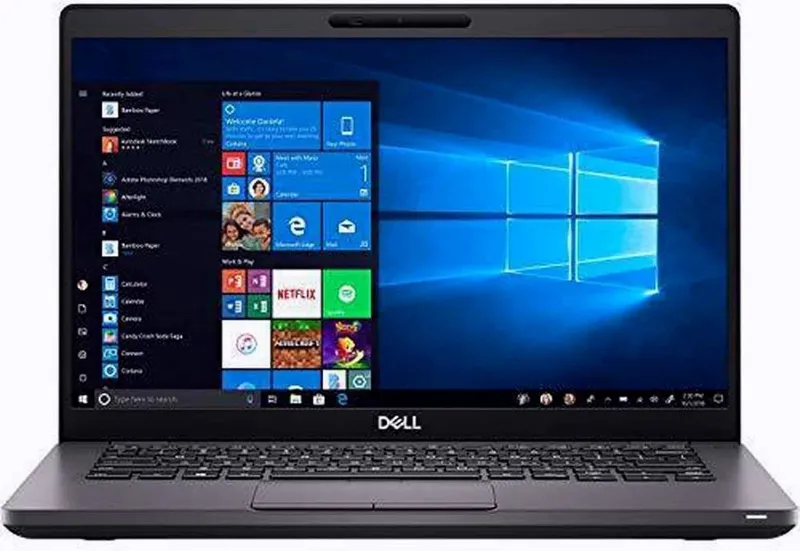
The dell chromebook specifications that matter most on a refurbished or older unit are the processor, RAM, storage type, AUE date, and battery condition. Get those five right and even a well-used Dell Chromebook 11.6 inch or 3100 can be a genuinely good daily machine. Get them wrong and you will end up with a sluggish laptop that Chrome OS stops updating within a year. Here is exactly what we check before recommending any refurbished Chromebook laptop.
Dell Chromebook Specifications That Actually Matter
When you look at a listing for a refurbished Chromebook, ignore the marketing copy and go straight to the spec sheet. You can always confirm the details on the official Dell Chromebook 3100 Setup and Specifications page. Focus on these:
- Processor: Celeron N4000/N4020 (3100 series) is fine for browsing and docs. An Intel i3, as you find on the dell chromebook i3 listings, gives noticeably more headroom for many tabs.
- RAM: 4GB is the practical minimum. 8GB is worth paying extra for if you keep a lot of tabs open.
- Storage: Prefer eMMC 32GB or more, or anything with an SSD. Avoid full flash drives with no upgrade path if you store files locally.
- AUE (Auto Update Expiration): The date Google stops shipping Chrome OS updates for that exact model. If it has already passed or is within a year, the price should reflect that.
- Battery health: Ask for the cycle count or wear percentage. Refurbishers with real testing publish these numbers.
The full dell chromebook specifications listing is the fastest way to compare these across models in one place.
Dell Chromebook 3100 Specs: The Refurbished Sweet Spot
The Dell 3100 family is the model we recommend most often to first-time refurb buyers, and the dell chromebook 3100 review coverage across the Chromebook press supports why: it was built for classrooms, so it survives rough handling that would kill a consumer laptop. The dell chromebook 3100 specs typically include a Celeron N4020, 4GB of RAM, and 32GB of eMMC storage, wrapped in a rubberized, drop-tested chassis with a spill-resistant keyboard.
Two things make it the sweet spot:
- Update runway. 3100 units still have meaningful Chrome OS update life left, unlike a dell chromebook old enough to predate the 3000 series.
- Price. The dell 3100 chromebook price on refurb stock is usually close to the cheapest chromebook money can buy, and you can stack extra savings by checking our current discount code before you order.
If you want pen support and tablet flexibility, the chromebook 3100 2 in 1 variant takes the same platform and adds a rotating touch display. The dell chromebook 3100 2-in-1 is our pick for students who annotate PDFs.
Dell 3100 vs 3400 vs Older 11.6 Models
Not sure which generation fits your budget? Here is how the common options compare:
| Model | Typical CPU | Best for | Refurb value |
|---|---|---|---|
| Dell 11.6 Chromebook (3120 era) | Celeron N2840 | Light browsing, kids | Very cheap, short AUE |
| Dell 3100 | Celeron N4020 | Students, everyday use | Best overall |
| Dell Chromebook 3400 | Celeron N4000 | Home and office | Strong, bigger screen |
The dell 11.6 chromebook models from the 3120 era, which are well documented on this Dell Chromebook 11 3120 specs page, are the classic dell chromebook old bargain. They are fine as a second machine or a kids laptop, but always check their AUE date first. The dell chromebook 3400 steps up with a 14 inch display and a more comfortable keyboard for long sessions. And the older dell -11-cc11260-11-6- chromebook units remain popular precisely because they are nearly indestructible, even if their specs are dated.
How to Inspect a Refurbished Dell Chromebook Before Buying
Whether you buy from us or a marketplace seller, run this checklist:
- Verify the exact model number. Photos can mislead. Match the model against the published dell chromebook specifications so you know the real CPU, RAM, and AUE date.
- Ask about the battery. A battery below roughly 70% health will frustrate you. Reputable refurbishers replace or disclose it.
- Check hinge and port condition. Classroom laptops live and die by their hinges. Ask whether it has been tested and tightened.
- Confirm the power-on lock is removed. Enterprise enrollment (managed by a school or company) can lock you out of setup. Legit refurbishers de-enroll everything.
- Look at the warranty. Anything under 90 days is a red flag on refurb stock.
Who Should Buy Refurbished, and Who Should Not
Refurbished makes sense if you fall into one of these groups:
- Students and parents: a dell chromebook 3100 handles Google Classroom, Docs, and video calls without complaint.
- Second-device buyers: an older dell 11.6 chromebook is perfect for the kitchen or travel bag.
- Small businesses: for fleets, our bulk computers category offers uniform refurb units at volume pricing, which matters more than shaving 20 dollars off one unit.
Skip refurb if you need Windows software, heavy Android gaming, or guaranteed multi-day battery. A modern machine serves you better there.
Getting the Best Price
Refurb pricing moves constantly, so we never quote a fixed number. Before you buy any chromebook laptop from our store, check the latest price and grab the code on our coupon page. Every order qualifies for 5% off, which stacks on top of already-discounted refurb stock. If you are hunting the cheapest chromebook that will still get updates for years, that combination of a 3100 series unit plus the current code is where the real value sits. The bottom line: match the dell chromebook specifications to how you actually work, verify the AUE date, and a refurbished Dell will outperform its price tag by a wide margin.
Frequently asked questions
How do I find the AUE date for a used Dell Chromebook?
Check the Auto Update Expiration (AUE) date for the exact model, usually listed on Google's Chrome OS update schedule or the manufacturer's spec page. If the date is passed, the laptop still works but no longer receives Chrome OS updates, so it should be priced accordingly.
Is the Dell 3100 good for students buying refurbished?
Yes, for everyday tasks like browsing, Docs, and video calls. The 3100 was built for classrooms with a drop-tested, spill-resistant design, and most refurb units still have years of Chrome OS updates left. Check the current price on our coupon page before ordering.
What RAM and storage should a refurbished Chromebook laptop have?
4GB of RAM and 32GB of storage is the practical minimum. If you keep many tabs open or want more longevity, look for 8GB of RAM or an Intel i3 configuration, which gives noticeably more headroom.
What is enterprise enrollment on a used Chromebook?
Enterprise enrollment is a lock left by a school or company that can block setup. Ask the seller to confirm the device is fully de-enrolled and factory reset before it ships. Any legitimate refurbisher will do this as standard.
Is the dell chromebook 3400 better than the 3100?
The 3100 offers a newer platform, longer update support, and a rubberized rugged chassis, while the 3400 adds a larger 14 inch display. Pick the 3400 for desk work, the 3100 for portability and student use.
Are older dell chromebook 11.6 models still worth buying?
Yes, older models like the Dell Chromebook 11 3120 can be great cheap second laptops, but verify the AUE date and battery health first. Their dated specs mean they suit light browsing rather than heavy multitasking.