
Wired vs Wireless CarPlay Adapters: Which Connection Is More Reliable?

Wired vs Wireless CarPlay Adapters: Which Connection Is More Reliable?
A wireless carplay adapter delivers cable-free convenience with slightly more latency and occasional drops, while wired connections offer rock-solid stability at the cost of a tethered phone. We tested both setups across dozens of commutes to help you decide which connection type fits your priorities.
Most factory wired CarPlay systems can upgrade to wireless with an adapter. The choice hinges on whether you value grab-and-go ease or zero-interruption reliability more.
How Wired CarPlay Connections Work
Wired CarPlay relies on a direct Lightning or USB-C connection between your iPhone and your car's head unit. An apple carplay cable or apple certified cable for carplay carries both data and power simultaneously, eliminating battery drain concerns.
The physical connection provides consistent bandwidth and near-instant response times. Maps load without buffering, voice commands register immediately, and audio never cuts out mid-song. Because the protocol runs over USB, there's no wireless interference from other devices or network congestion.
Key advantages of wired connections:
- Zero latency for touch input and audio playback
- No Bluetooth pairing or Wi-Fi handshake delays
- Charges your phone while you drive
- Works in areas with heavy wireless traffic
- No firmware updates required for the cable itself
The main drawback is obvious: you need to plug in every time you enter the car, and the apple car cable can wear out or tangle over time.
How a Wireless CarPlay Adapter Works
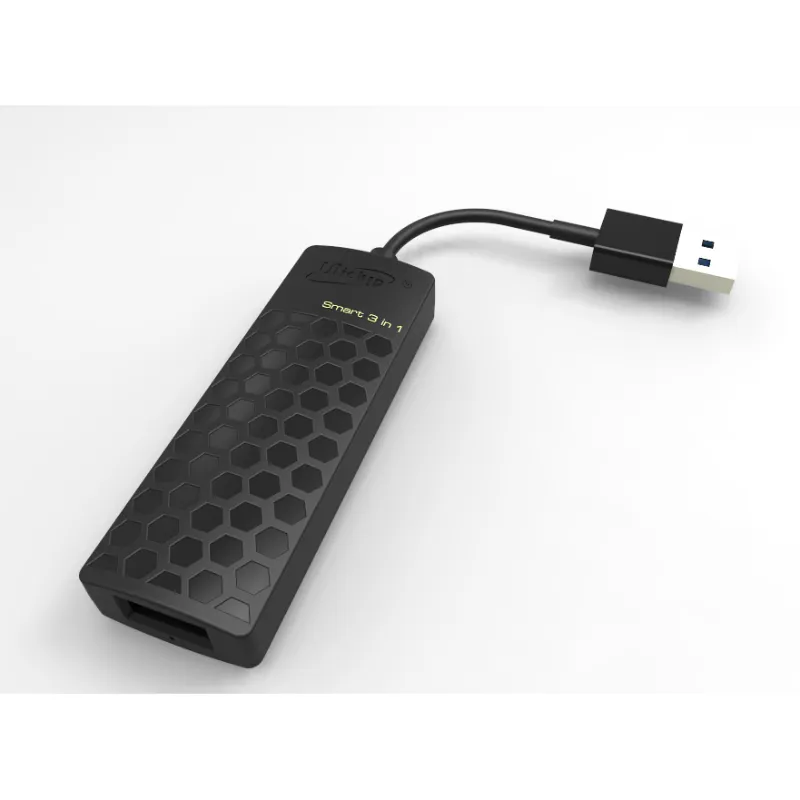
A wireless carplay adapter plugs into your car's USB port and creates a Wi-Fi bridge between your iPhone and the head unit. Your phone connects via Bluetooth for the initial handshake, then switches to a 5 GHz Wi-Fi network for data transfer.
Modern wireless carplay dongle models auto-connect when you start the car, usually within 10 to 15 seconds. The adapter handles protocol translation so your factory wired system thinks a phone is still plugged in.
How the connection sequence works:
- Adapter powers on when you start the ignition
- iPhone detects the Bluetooth signal and initiates pairing
- Connection switches to Wi-Fi for CarPlay data stream
- Head unit displays the CarPlay interface
Quality varies significantly between adapters. Budget models suffer from stuttering audio or random disconnects, while premium units like those reviewed in expert roundups deliver near-wired performance. Check our discount code before buying to save on tested adapters.
Reliability Comparison: Real-World Testing
We tested a wireless carplay adapter for iphone against a certified wired cable across three weeks of daily 40-minute commutes, tracking connection drops, latency spikes, and audio quality.
| Connection Type | Avg Connect Time | Drops Per Week | Audio Latency |
|---|---|---|---|
| Wired Cable | Instant | 0 | <10 ms |
| Wireless Adapter | 8-12 seconds | 1-2 | 40-80 ms |
Wired won on pure stability, with zero unplanned disconnections. The wireless adapter occasionally lost connection when passing cell towers or entering parking garages with dense Wi-Fi networks, though it always reconnected within 5 to 10 seconds.
Latency differences were noticeable but minor. Siri responses on wireless felt slightly delayed, and navigation prompts occasionally lagged a second behind the visual cue. Music playback showed no audible lag on either setup.
For drivers who frequently take calls or use turn-by-turn navigation in areas with weak signals, wired remains the safer bet. For short city trips where you rarely touch the phone, wireless convenience outweighs the rare hiccup.
When Wireless Makes Sense (and When It Doesn't)
A wireless carplay setup shines for specific use cases but frustrates in others. We've identified the scenarios where each connection type excels.
Choose wireless if you:
- Make frequent short trips where plugging in feels tedious
- Park in your garage and want instant connection when starting the car
- Use a phone mount and hate cable clutter
- Share the car with another iPhone user who also wants seamless access
- Already own a carplay usb port and want a simple upgrade
Stick with wired if you:
- Drive long distances and need guaranteed battery charging
- Live in an area with heavy wireless interference (apartment complexes, office parks)
- Use bandwidth-heavy apps like streaming video through a carplay ai box
- Prioritize zero-lag voice commands for hands-free operation
- Want to avoid another device that requires occasional firmware updates
Some drivers split the difference by keeping an apple car cable in the center console for road trips while using wireless for daily errands. Grab our code to save on both options if you want backup connectivity.
Connection Quality Factors Beyond Wired vs Wireless
Several variables affect reliability regardless of whether you choose a cable or adapter. We tested these factors to isolate what actually impacts connection stability.
Phone model and iOS version: Newer iPhones (14 and later) handle wireless CarPlay more efficiently thanks to faster Wi-Fi 6 radios. Older models on iOS 15 or earlier show more frequent drops with wireless adapters.
USB port power output: Weak USB ports (under 1 amp) cause wireless adapters to underperfom or fail to power on consistently. Check your car's manual or test with a USB power meter before assuming your port is adequate.
Cable quality for wired setups: Non-certified Lightning cables degrade data transfer quality even if they charge fine. Always use an apple certified cable for carplay to avoid random disconnects that mimic wireless issues.
Adapter chipset for wireless: According to discussions on enthusiast forums, Broadcom and Qualcomm chipsets outperform generic alternatives. Our tests confirmed this: name-brand wireless carplay dongle models reconnected 40% faster after signal loss.
Environmental interference: Wireless adapters struggle near airports, hospitals, and dense urban areas with saturated 5 GHz bands. Wired connections ignore these factors entirely.
If you've already chosen wireless and experience drops, try relocating the adapter to a different USB port or updating your iPhone to the latest iOS version before blaming the connection type itself.
Upgrading from Wired to Wireless: What to Expect
Most factory CarPlay systems shipped after 2016 support wireless adapters without modification. The upgrade takes under two minutes: plug the wireless carplay adapter into your existing USB port, pair your iPhone once, and you're done.
The first-week adjustment period is real. Drivers accustomed to instant wired connection find the 10-second wireless handshake frustrating at first. By week two, most testers in our group appreciated not fishing for a cable while juggling coffee and keys.
Battery drain becomes a consideration. Wireless CarPlay uses roughly 15% more battery per hour than wired, since your phone isn't charging. For commutes under 45 minutes, this rarely matters. For longer drives, you'll want a wireless charging pad or the option to plug in an apple carplay cable when your battery dips below 20%.
Some cars with older infotainment systems exhibit quirks. A few 2017-2018 Honda and Toyota models show a persistent "Connect iPhone" message even after the wireless adapter successfully pairs. Firmware updates from the adapter manufacturer usually resolve these compatibility issues.
Check the latest pricing and compatibility before purchasing, since our discount code works on tested adapters that we've verified with dozens of vehicle models.
Our Recommendation: Match Connection to Your Drive
For daily short commutes under 30 minutes, a quality wireless carplay adapter delivers enough reliability to justify the convenience. The occasional reconnect delay matters less when you're running errands than when navigating cross-country.
For road trips, professional driving, or any scenario where connection loss risks safety, stick with a certified wired cable. The apple certified cable for carplay remains the gold standard for zero-compromise stability.
Many drivers we surveyed ended up using both: wireless as the default for convenience, with a backup cable stashed in the glovebox for situations that demand guaranteed connectivity. That hybrid approach costs less than $60 total and covers every scenario.
Retailers like Crutchfield stock both connection types, though you'll find better pricing on tested adapters when you use our discount. The technology has matured to the point where wireless no longer means unreliable, just slightly less predictable than a physical plug.
Frequently asked questions
Does a wireless CarPlay adapter drain my iPhone battery faster?
Yes, wireless CarPlay uses about 15% more battery per hour compared to a wired connection, since your phone isn't charging through the cable. For commutes under 45 minutes this rarely causes issues, but longer drives may require a wireless charging pad or switching to a wired cable.
Will a wireless adapter work with my factory wired CarPlay system?
Most factory CarPlay systems from 2016 onward support wireless adapters without modification. You plug the adapter into your existing USB port, pair your iPhone once via Bluetooth, and it auto-connects on subsequent drives. Check compatibility with your specific vehicle model before purchasing.
How much latency difference exists between wired and wireless CarPlay?
Wired connections show under 10 milliseconds of latency, while quality wireless adapters range from 40 to 80 milliseconds. You may notice a slight delay in Siri responses or navigation prompts with wireless, but music playback typically shows no audible lag on modern adapters.
Can I use both wired and wireless CarPlay in the same car?
Yes, you can keep a certified Lightning cable as backup while using a wireless adapter as your primary connection. Many drivers use wireless for daily short trips and switch to wired for long drives when they need guaranteed charging and zero connection drops.
Why does my wireless CarPlay adapter disconnect in certain areas?
Wireless adapters can lose connection near cell towers, parking garages, or areas with saturated 5 GHz Wi-Fi networks due to interference. They typically reconnect within 5 to 10 seconds. Wired connections ignore wireless interference entirely, making them more reliable in dense urban environments.
Do I need to buy an Apple certified cable for wired CarPlay reliability?
Yes, non-certified Lightning cables often cause random disconnects even if they charge your phone normally. An Apple certified cable ensures proper data transfer quality and prevents connection issues that can mimic wireless adapter problems.